Voxa app icon

Talk to the world — instantly

Voxa is a fast voice, text and camera translator built for real conversations. Speak, type or scan — and understand or be understood in seconds, across many languages.

Voice · Text · Camera· Conversation mode· Many languages
Camera translation showing a sign translated on screen Voxa real-time voice translator screen
What Voxa does

Every way you need to translate

Voice, text, camera, a two-way conversation mode and a dictionary — one tap away, in many languages.

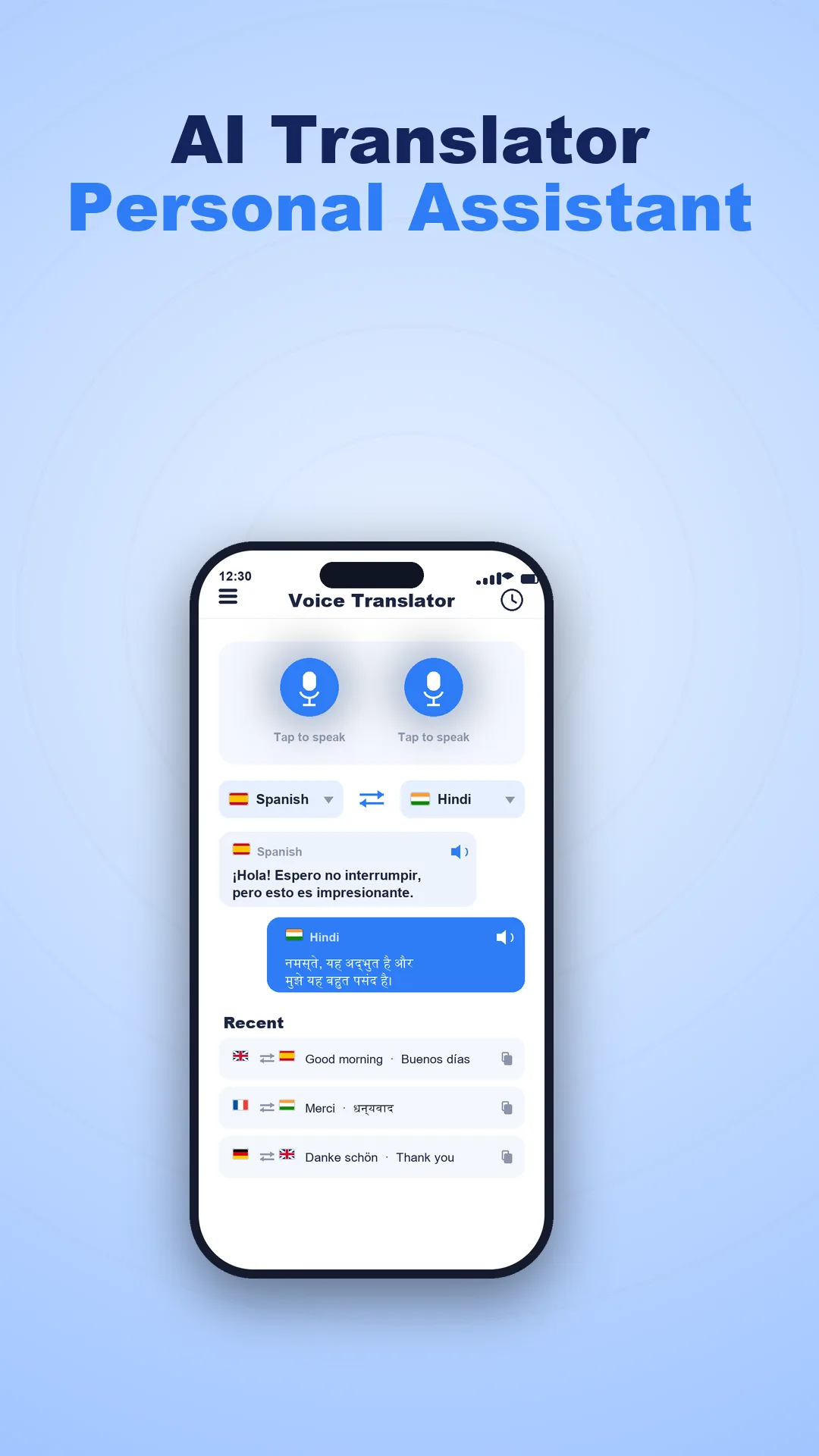
Real-Time Voice Translator

Just speak and Voxa translates your voice instantly. Great for live, two-way conversations at home or on the go.

Text Translator

Type any word or sentence and get a fast, accurate translation across many languages — with the result ready to copy or share.

Camera Translator

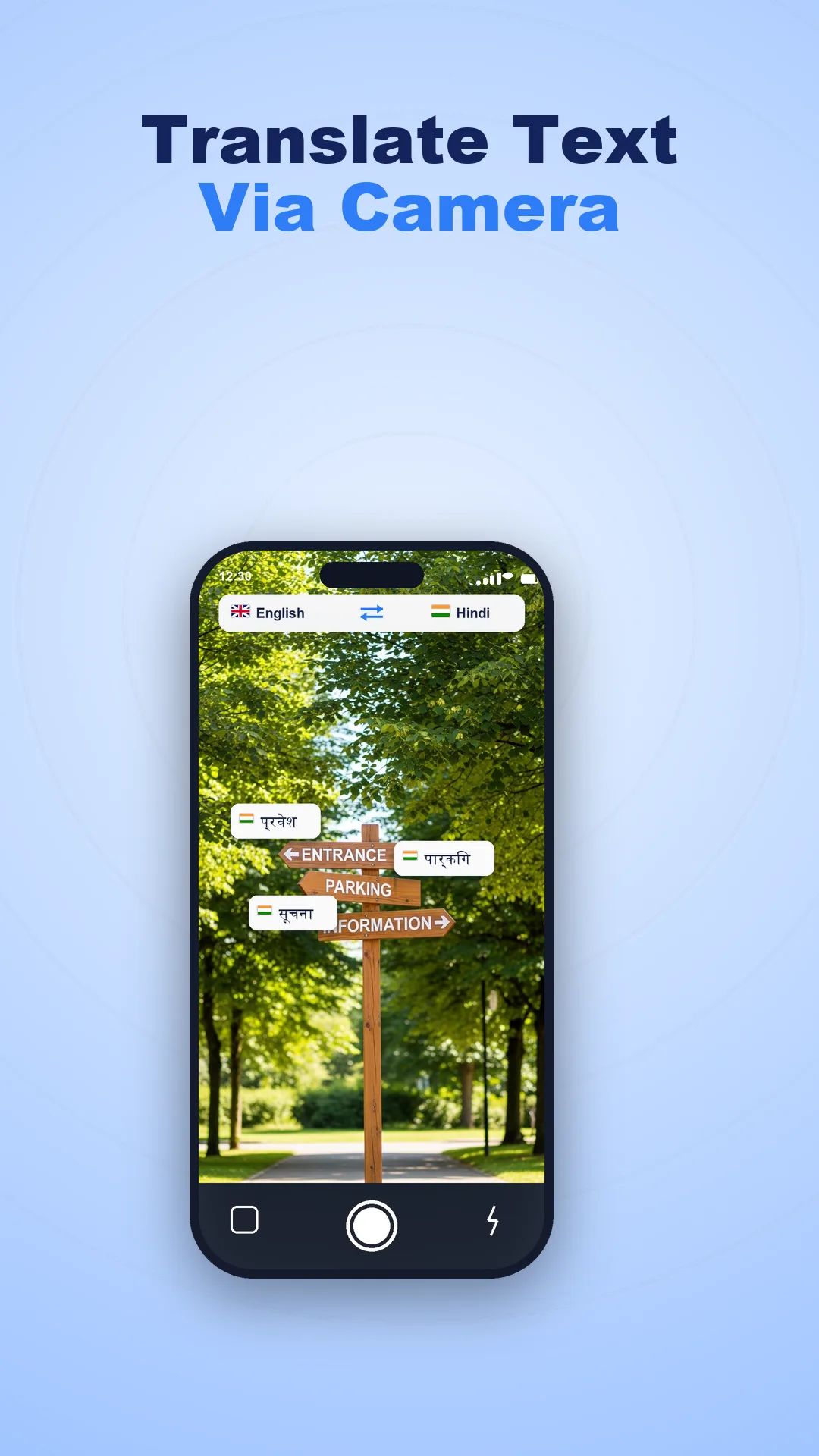
Point your camera at menus, signs or documents and see the translation right on your screen, laid over the original text.

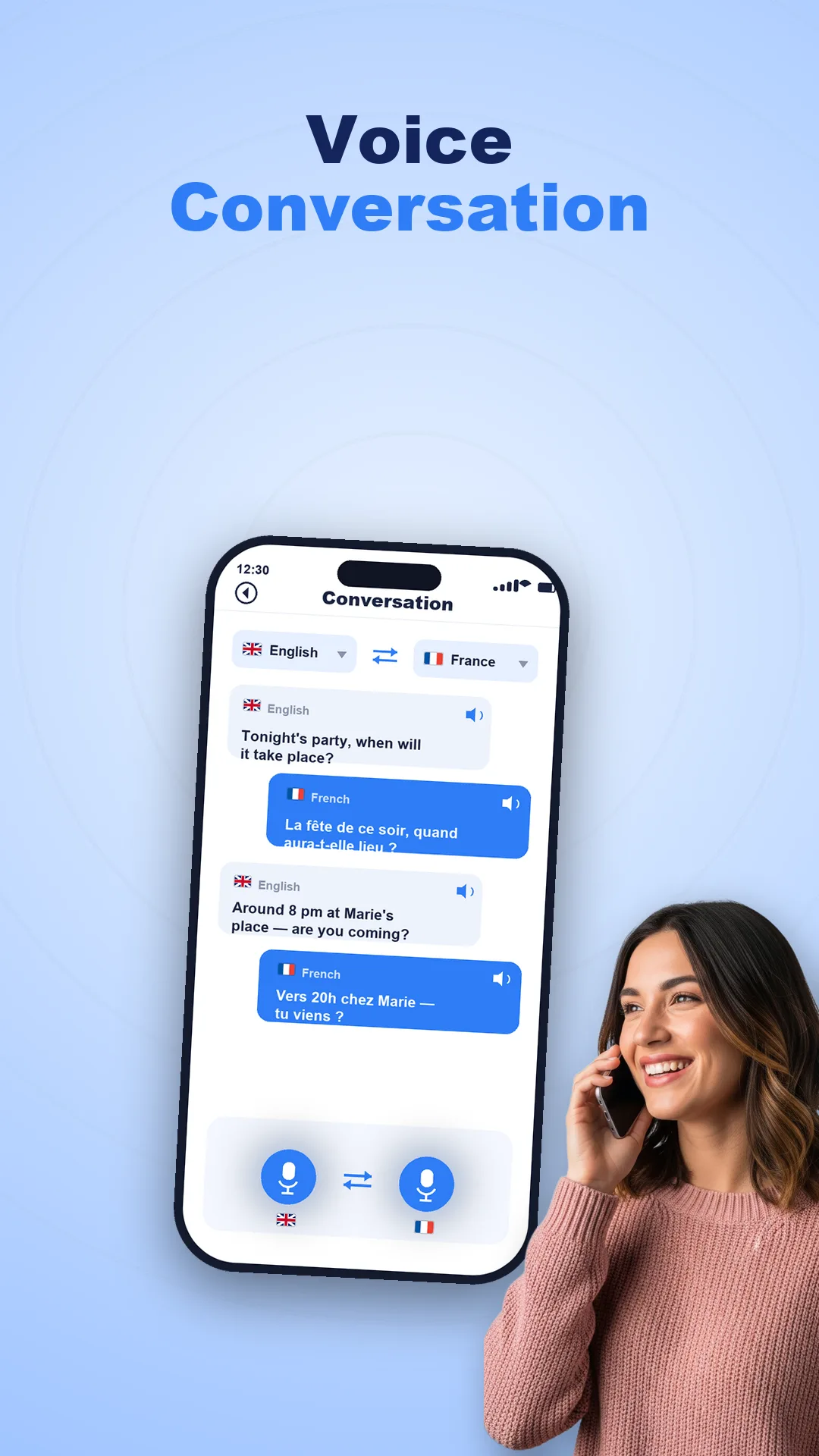
Conversation Mode

Switch between two languages and translate a back-and-forth conversation — perfect for travel, daily life and meeting new people.

Audio Playback

Hear translations read aloud with clear, natural pronunciation, so you can repeat the phrase and speak with confidence.

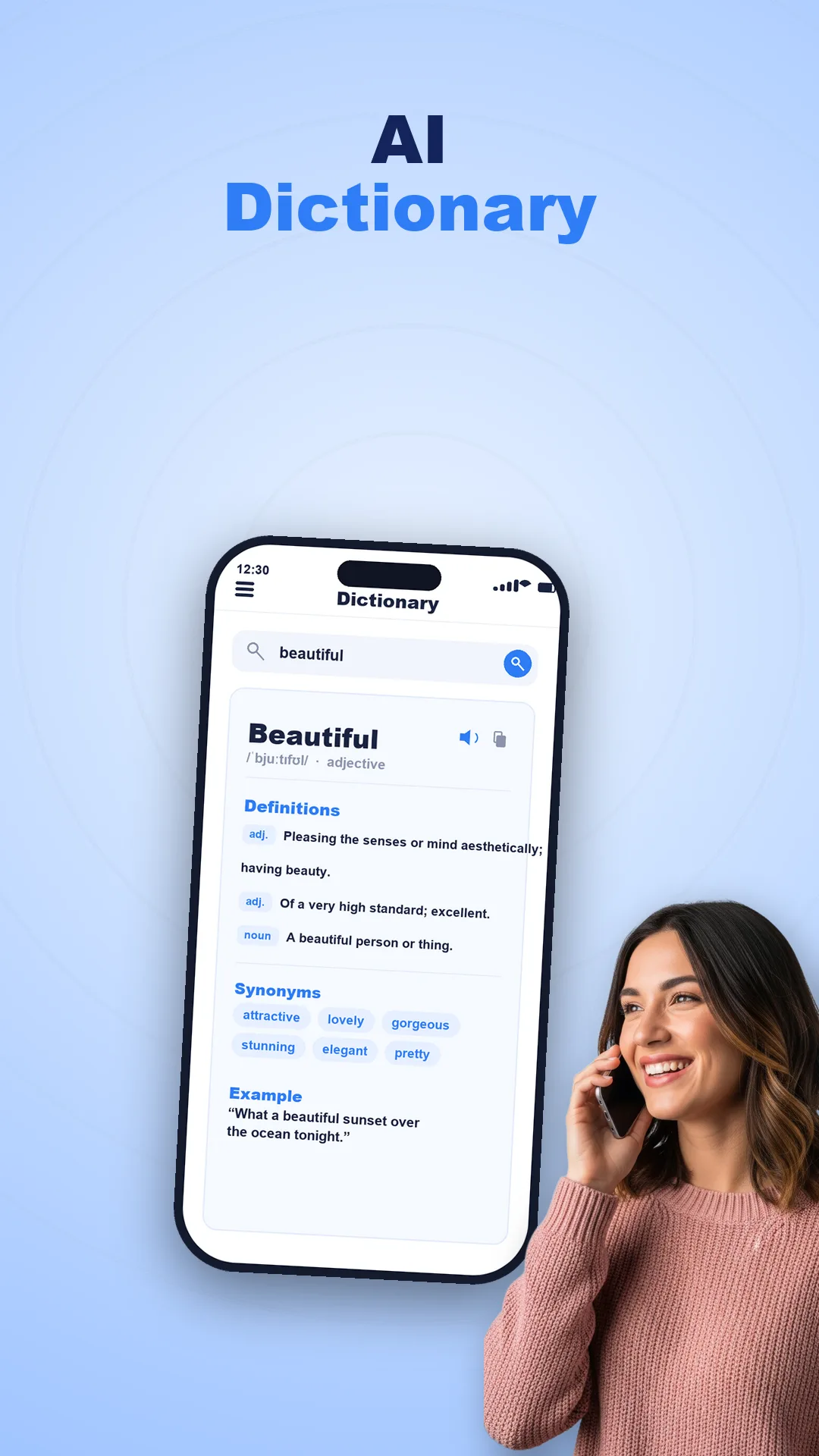
History & Dictionary

Save your translations, revisit past conversations and look up words in the built-in dictionary to grow your vocabulary.
Take a look

A peek inside the app

Every screen below is a real feature in Voxa.

Real-time voice translator with two microphone buttons and language flags
Real-time voice translator
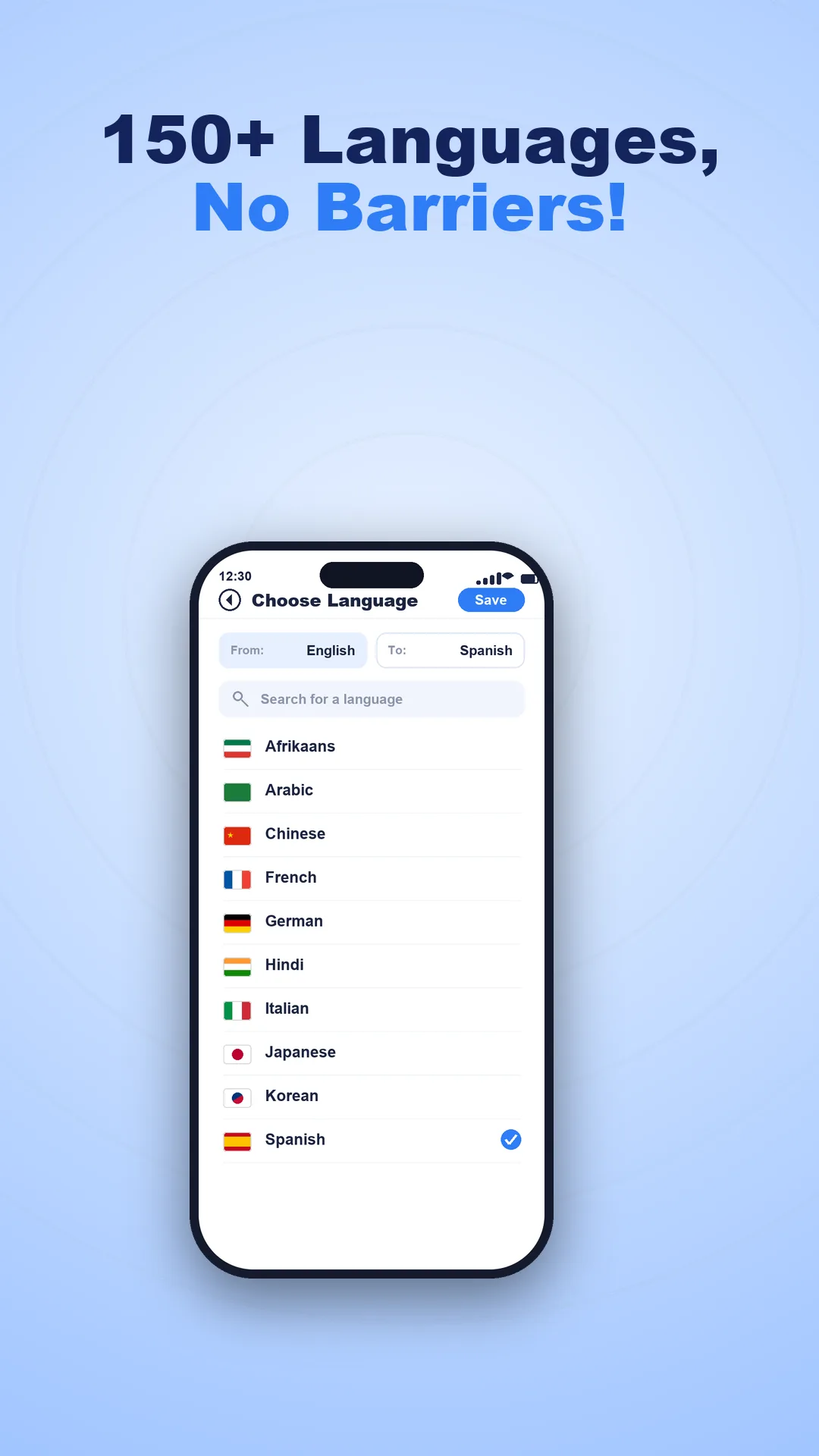
Language picker with search and flags to choose from and to languages
Choose from many languages
Camera translation showing a sign translated on screen
Camera translation
Two-way conversation mode translating between two languages
Conversation mode
Built-in dictionary showing a word and its definitions
Built-in dictionary

Clear about permissions

Voxa asks for the microphone only when you use voice translation, and for the camera only when you use camera translation. You can type text instead and skip both.

To turn speech and pictures into translations, that audio and text is sent securely to a translation service and is not used to identify you. We keep data collection to what the features need.

  • Microphone is used only during voice translation.
  • Camera is used only when you translate with the camera.
  • Text translation works without any special permission.
  • Your history stays on your device until you clear it.
Please note. Translation quality depends on the languages, audio clarity and your network connection, and voice, text and camera input are processed by a cloud translation service to return a result. Available languages and features may vary by device. Voxa is a free, ad-supported app and is not affiliated with any translation provider whose service it may use.
Voxa icon

Understand any language

Download Voxa: Voice Translator & Chat and start talking to the world.